How Snapsora Handles User Privacy And Data Safety
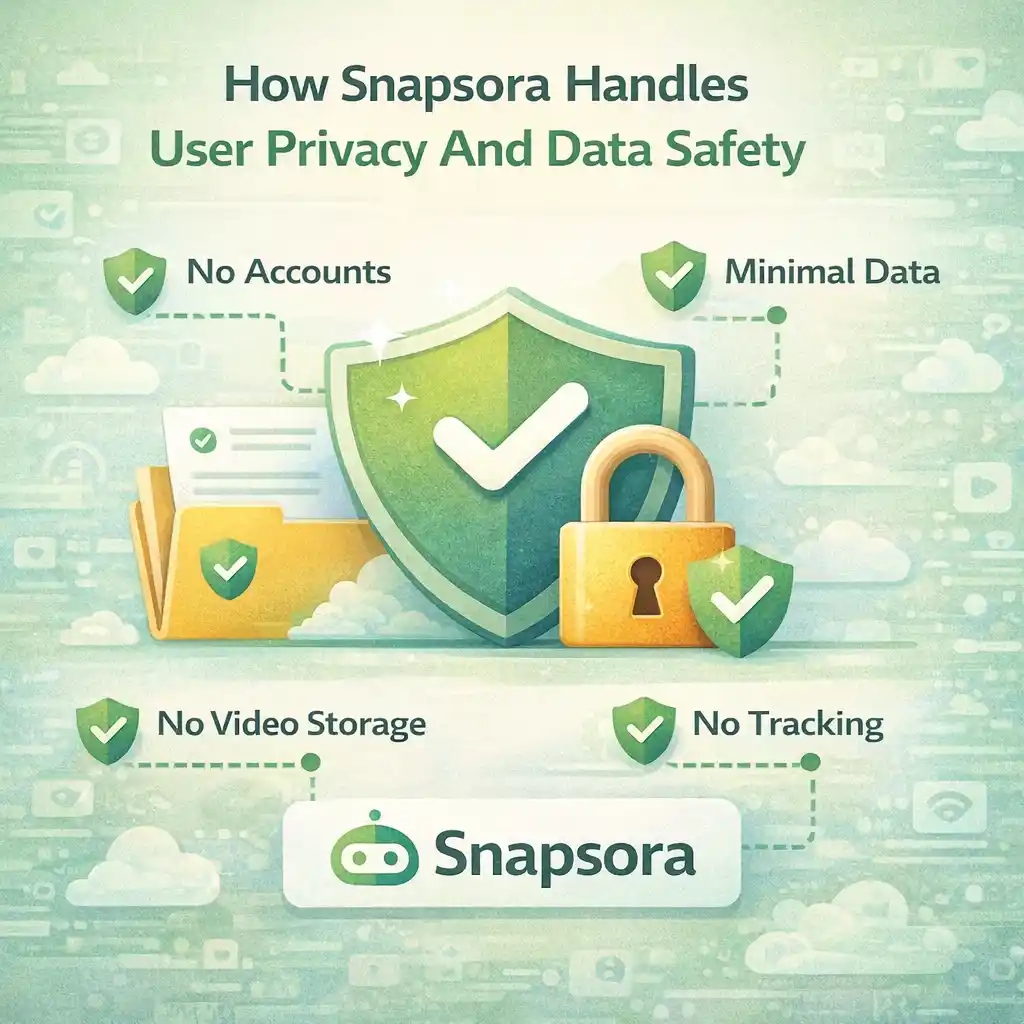
Today, people are more careful about their privacy than ever before. Almost every website asks for personal details, account sign-ups, or permissions. Because of this, users naturally worry about how their data is handled, especially when they use online tools.
When it comes to online video tools, privacy becomes even more important. Users want to know simple things, such as:
-
Does this site store my data?
-
Is my activity tracked?
-
Are my files saved somewhere?
This article explains how Snapsora handles user privacy and data safety in very simple and easy words. There is no technical language and no confusing terms. The goal is to help beginners clearly understand what happens and what does not happen.
We will mention Snapsora only as a utility tool that helps users manage publicly available videos. It is not a video creator, hosting platform, or content owner.
Why Privacy Matters So Much Today
In the digital world, privacy means control over your personal information. People want to feel safe when they use a website.
Privacy matters because:
-
Personal data can be misused
-
Users want peace of mind
-
Trust depends on safety
A tool that respects privacy makes users feel comfortable and confident.
What Users Usually Fear When Using Online Tools
Many users worry about:
-
Hidden data collection
-
Forced account creation
-
Stored activity history
-
Misuse of personal information
These fears are normal, especially for beginners who are still learning how online tools work.
Snapsora’s Core Privacy Principle: Minimal Data
Snapsora follows a minimal data approach.
This means:
-
No unnecessary data collection
-
No forced user accounts
-
No long-term storage of user activity
The tool is designed to work without knowing who you are.
No Account Creation Required
One of the biggest privacy advantages is that Snapsora does not require user accounts.
This means:
-
No email required
-
No password needed
-
No personal profile created
Without accounts, there is much less personal data involved, which reduces privacy risks.
No Permanent Video Storage
A very common fear is:
“Is my video saved on the website?”
Snapsora does not permanently store videos.
What happens instead:
-
Videos are processed temporarily
-
Once the task is done, the process ends
-
The tool does not keep a video library
This helps protect both user privacy and content ownership.
No Ownership Over Content
Snapsora does not claim ownership over:
-
Videos
-
Links
-
Content files
Ownership always stays with:
-
The original creator
-
Or the original platform
Snapsora only assists with handling publicly available videos, nothing more.
How Temporary Processing Helps Privacy
Temporary processing means:
-
The system works only for the current task
-
No long-term records are kept
-
No history is saved for future use
This design helps reduce:
-
Data exposure
-
Tracking risks
-
Privacy concerns
Once your task is finished, the process stops.
No Hidden Background Activity
Some websites run hidden background tasks. This makes users uncomfortable.
Snapsora avoids:
-
Unnecessary background tracking
-
Hidden data collection
-
Silent monitoring
The tool works only when you actively use it.
Why Not Storing Data Is Safer
Storing less data means:
-
Less risk of leaks
-
Less responsibility
-
More user trust
Snapsora’s design focuses on doing the job and then ending the session.
User-Controlled Experience
With Snapsora:
-
Users control what they do
-
Users decide which video to handle
-
Users manage files on their own devices
The tool does not interfere beyond its utility role.
No Forced Permissions
Some tools ask for:
-
Device access
-
Media permissions
-
Extra approvals
Snapsora avoids unnecessary permissions. This keeps the experience simple and safe.
Privacy and Beginners
Beginners often feel nervous using online tools. A privacy-friendly design helps them:
-
Feel safe
-
Learn confidently
-
Avoid fear of misuse
Simple tools reduce stress and confusion.
Transparency Builds Trust
Trust grows when users understand:
-
What a tool does
-
What it does not do
-
What data is involved
Snapsora’s transparent behavior makes it easier for users to trust the platform.
No Selling of User Data
Snapsora does not:
-
Sell user data
-
Share personal information
-
Build user profiles
Because it does not collect personal data, there is nothing to sell.
Difference Between Utility Tools and Platforms
Platforms usually:
-
Host content
-
Manage user accounts
-
Store large data
Utility tools like Snapsora:
-
Do not host content
-
Do not build profiles
-
Do not store personal data
This difference is important for privacy.
How Privacy Protects Both Users and Platforms
Privacy-focused design protects:
-
Users from data misuse
-
Platforms from legal risks
-
Content from confusion
Everyone benefits when privacy is respected.
Common Myths About Online Video Tools
Some users think:
-
“All tools track everything”
-
“My files are saved forever”
These ideas are not always true. Tools like Snapsora are built differently.
Why Simple Design Improves Safety
Simple systems:
-
Have fewer risks
-
Are easier to understand
-
Are easier to trust
Complex systems often introduce unnecessary privacy concerns.
User Responsibility Still Matters
Even with strong privacy design, users should:
-
Use trusted networks
-
Avoid suspicious links
-
Understand basic online safety
Privacy is a shared responsibility.
How Snapsora Fits Google Trust Signals
Privacy-friendly tools:
-
Avoid unnecessary data
-
Respect transparency
-
Focus on user safety
These signals help build long-term trust with both users and platforms.
Why Privacy Awareness Is Important in the AI Era
As AI content grows:
-
Data awareness becomes more important
-
Transparency becomes necessary
-
User trust becomes critical
Privacy is not optional anymore.
Learning Privacy Early Helps Users
Users who understand privacy early:
-
Make better choices
-
Avoid risky tools
-
Use the internet wisely
Knowledge builds confidence.
Simple Way to Remember Snapsora’s Privacy Approach
In very simple words:
-
No account
-
No storage
-
No ownership
-
No tracking
This is the core idea.
Why This Matters for Long-Term Use
Users stay with tools they trust. Privacy-first design helps:
-
Build long-term users
-
Reduce fear
-
Increase confidence
Trust is more valuable than features.
Conclusion
Snapsora handles user privacy and data safety by following a minimal, transparent, and user-friendly approach. It does not require accounts, does not store videos, does not claim ownership, and does not collect unnecessary data. The tool exists only to help users manage publicly available videos responsibly.
For beginners, this approach provides peace of mind. For experienced users, it offers clarity and control. In a digital world where privacy matters more than ever, simple and honest design makes a big difference.
Responsibility & Disclaimer
This article is for educational purposes only. Snapsora is a utility tool designed to help users manage publicly available AI video content responsibly. It does not generate, host, own, or control any video content. Users are responsible for respecting content ownership, platform policies, and applicable rules when using online video tools.