Does Snapsora Store Videos Or User Information? Explained
When people use online tools, one of the first questions that comes to mind is privacy. Users want to know simple things, such as:
-
Is my data being saved?
-
Are my videos stored somewhere?
-
Is my activity being tracked?
These questions are very normal, especially today when many websites collect personal information without users fully realizing it. For beginners, this confusion can feel stressful.
This article clearly explains whether Snapsora stores videos or user information, using very easy and simple language. There are no technical terms and no confusing explanations. The goal is to give users peace of mind and clarity.
We will mention Snapsora only as a utility tool that helps users manage publicly available videos. It is not a video hosting service, not an AI video generator, and not a content owner.
Why Users Worry About Data Storage
Today, many websites:
-
Ask for email addresses
-
Require account creation
-
Track user activity
-
Store usage history
Because of this, users naturally worry that:
-
Their files might be saved
-
Their actions might be tracked
-
Their data might be shared
These concerns are valid and should always be addressed clearly.
Simple Answer First: Does Snapsora Store Videos?
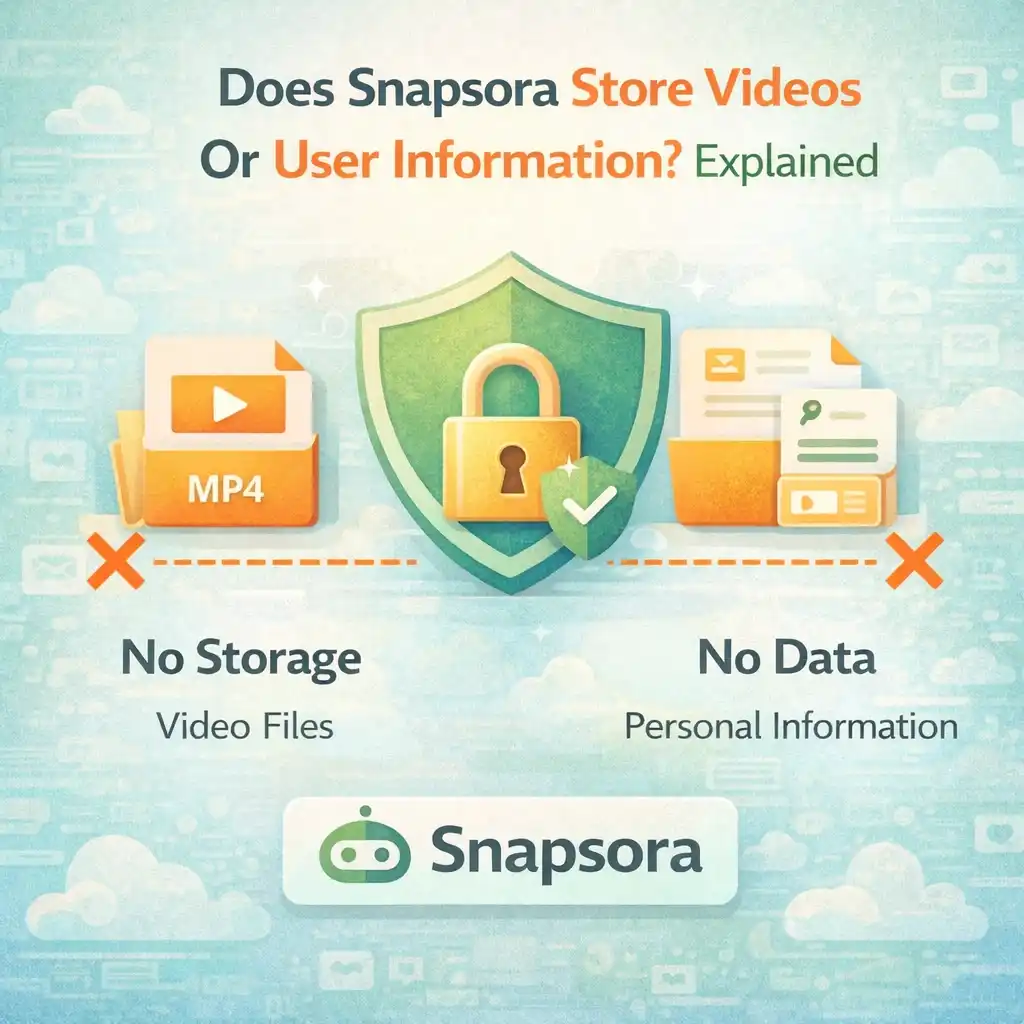
No. Snapsora does not store videos permanently.
This is the most important point.
Snapsora does not:
-
Keep video files
-
Build a video library
-
Save copies of videos
The tool works only to process publicly available videos temporarily, and once the task is complete, the process ends.
What “Temporary Processing” Means
Temporary processing means:
-
The system works only for the current request
-
The video is not saved long-term
-
Nothing is kept for future use
Think of it like this:
-
You ask the tool to help with a task
-
The task is completed
-
The session ends
There is no long-term storage involved.
Does Snapsora Store User Information?
No. Snapsora does not store personal user information.
This means:
-
No name storage
-
No email storage
-
No phone number storage
-
No personal profile
Because Snapsora does not require accounts, there is no personal data to store.
No Account, No Profile, No History
One of the biggest privacy advantages is that:
-
Snapsora does not ask users to sign up
-
There is no login system
-
There are no user profiles
Without accounts:
-
No personal identity is created
-
No usage history is linked to a user
-
Privacy risks are much lower
This design keeps things simple and safe.
Why Not Storing Data Is a Good Thing
When a website stores less data, it means:
-
Less risk of data leaks
-
Less misuse potential
-
Less tracking
Snapsora follows a minimal data approach, which focuses on:
-
Doing the job
-
Ending the session
-
Leaving no trace
This is a privacy-friendly design.
Does Snapsora Track User Activity?
Snapsora does not track users in a personal way.
It does not:
-
Build behavior profiles
-
Monitor individual users
-
Track long-term activity
The tool only responds when a user actively uses it. Once the task is done, there is nothing stored.
What About Links Provided by Users?
When a user provides a video link:
-
It is used only for that single request
-
It is not saved for later
-
It is not linked to a user profile
The link is part of the temporary process, not permanent storage.
Snapsora Does Not Claim Ownership of Videos
Another common fear is:
“If I use this tool, does it own my video?”
The answer is no.
Snapsora:
-
Does not own videos
-
Does not claim rights
-
Does not control content
Ownership always stays with:
-
The original creator
-
Or the original platform
Snapsora only helps users handle publicly available videos.
Difference Between Utility Tools and Hosting Platforms
It is important to understand the difference.
Hosting platforms:
-
Store videos
-
Manage content libraries
-
Control access
Utility tools like Snapsora:
-
Do not host videos
-
Do not keep files
-
Do not manage libraries
This difference explains why Snapsora does not store content or user data.
Why Some Users Think Data Is Stored
Many users assume data is stored because:
-
Other websites do it
-
The process looks complex
-
They are used to account-based tools
But complexity does not always mean data storage. Snapsora is designed to work without long-term memory.
How This Design Protects Users
Not storing videos or user data helps:
-
Protect privacy
-
Reduce misuse risks
-
Build trust
Users can use the tool without worrying about:
-
Their identity
-
Their files
-
Their activity history
This creates confidence.
Does Snapsora Share Data With Others?
Because Snapsora does not collect personal data, there is:
-
No personal data to share
-
No user profiles to sell
-
No history to distribute
This makes the system safer by default.
Why Transparency Is Important
Users deserve clear answers.
Transparency means:
-
Explaining what happens
-
Explaining what does not happen
-
Avoiding hidden behavior
Snapsora’s simple design supports transparency naturally.
Privacy Is Especially Important for Beginners
Beginners often feel nervous using online tools. Clear privacy practices help them:
-
Feel safe
-
Learn confidently
-
Avoid fear
Simple tools reduce confusion and stress.
Does Snapsora Store Anything at All?
Snapsora may handle:
-
Short-term technical processing data
But this data:
-
Is not personal
-
Is not saved long-term
-
Is not linked to users
Once the task ends, the process ends.
Why “No Storage” Does Not Mean “No Security”
Some people think:
“If nothing is stored, is it still safe?”
Yes. In fact:
-
Less storage = fewer risks
-
Less data = less exposure
This approach improves security.
User Responsibility Still Matters
Even with strong privacy design, users should:
-
Use trusted internet connections
-
Avoid suspicious links
-
Understand basic online safety
Privacy works best when both tools and users act responsibly.
How This Helps With Trust and Approval
Clear privacy behavior:
-
Builds user trust
-
Shows responsibility
-
Aligns with good web practices
This is important for long-term credibility.
Common Myths About Data Storage
Some common myths include:
-
“Every tool stores everything”
-
“All video tools track users”
These are not always true. Snapsora is built differently.
Why Minimal Design Is Better
Simple systems:
-
Are easier to understand
-
Have fewer risks
-
Are more trustworthy
Snapsora focuses on usefulness, not complexity.
How Users Can Stay Confident
Users can stay confident by:
-
Understanding how the tool works
-
Knowing what is not stored
-
Using tools with clear boundaries
Knowledge removes fear.
Digital Trust Is Built on Clarity
Trust grows when users know:
-
What a tool does
-
What it does not do
-
Where limits exist
Clarity is the foundation of trust.
Simple Way to Remember
In very simple words:
-
No account
-
No video storage
-
No personal data
-
No ownership
That is the core idea.
Why This Matters in the AI Era
As AI content grows:
-
Privacy concerns increase
-
Transparency becomes critical
-
User trust becomes essential
Tools that respect privacy will always stand out.
Conclusion
Snapsora does not store videos and does not store user information. It does not require accounts, does not keep personal data, and does not claim ownership of content. The tool works only as a temporary utility to help users manage publicly available videos, and once the task is complete, the process ends.
This privacy-first approach protects users, reduces risks, and builds trust. For beginners and experienced users alike, understanding these boundaries provides peace of mind and confidence when using online video tools.
Responsibility & Disclaimer
This article is for educational purposes only. Snapsora is a utility tool designed to help users manage publicly available AI video content responsibly. It does not generate, host, own, or control any video content. Users are responsible for respecting content ownership, platform policies, and applicable rules when using online video tools.