How Internet Speed And Format Affect Video Downloads
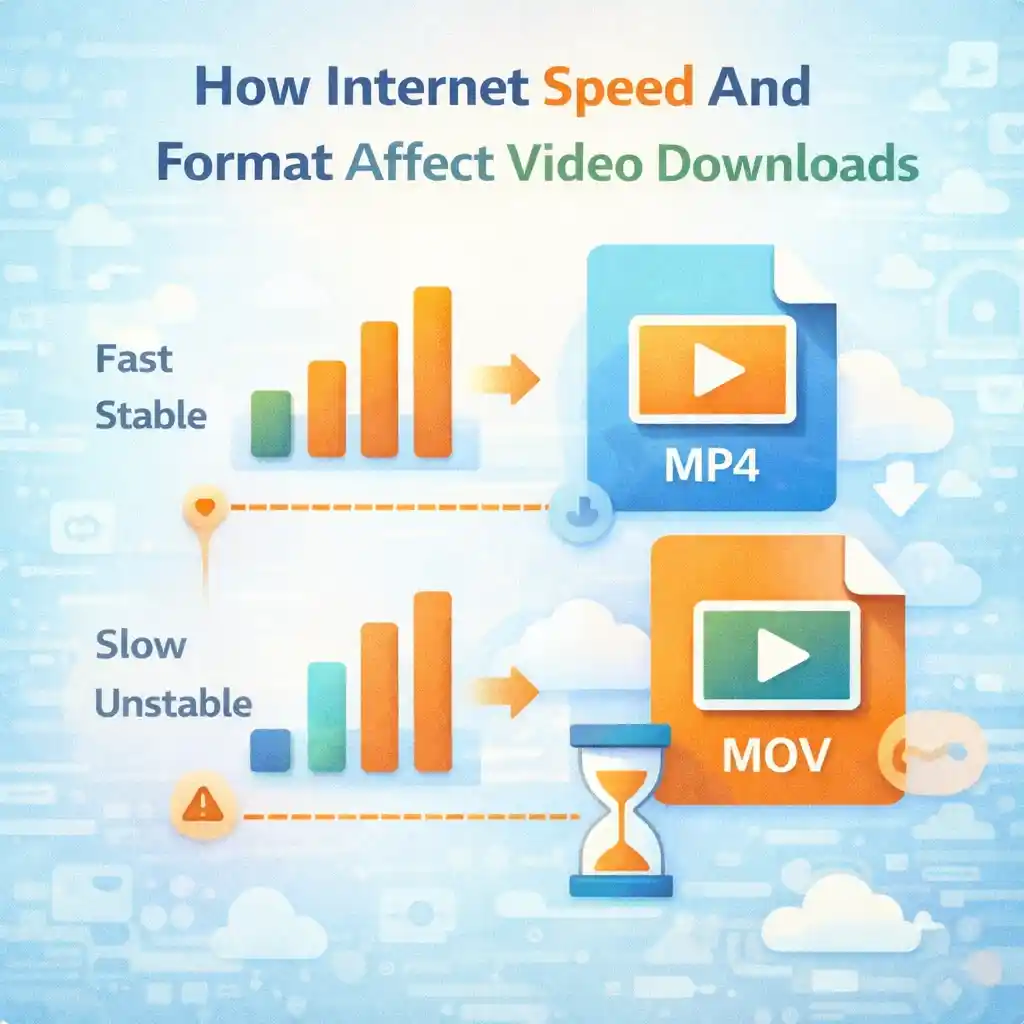
Online videos are now a daily part of life. People watch videos to learn, study, and understand new ideas. Many users also download publicly available videos so they can watch them later or keep them for reference. When a download feels slow, fails, or produces a file that does not play, most beginners think the tool is the problem.
In reality, internet speed and video format play a very big role in how video downloads work. Understanding these two things helps users avoid frustration and use online video tools more confidently.
This article explains how internet speed and video format affect video downloads in very easy words, without technical language. It is written for beginners who want clear answers.
We will also mention Snapsora only as a utility tool that helps users manage publicly available videos. It is not a video creator or owner.
Why Video Downloads Feel Slow Sometimes
Many users say:
-
“My download is very slow”
-
“The video stopped halfway”
-
“The tool is not working”
In most cases, the problem is not the tool. It is usually:
-
Internet speed
-
Internet stability
-
Video file size
Once you understand these points, many problems become easy to solve.
What Internet Speed Means (Simple Explanation)
Internet speed means how fast data travels from the internet to your device.
In simple words:
-
Fast internet = data comes quickly
-
Slow internet = data comes slowly
Videos are large files, so they need more data than images or text. That is why internet speed matters a lot for video downloads.
Download Speed vs Browsing Speed
Many beginners think:
“My internet is fast because websites open quickly.”
Opening websites mostly loads text and images, which are small.
Downloading a video means:
-
Downloading a large file
-
For a longer time
So browsing speed and download speed can feel very different.
How Slow Internet Affects Video Downloads
When internet speed is slow:
-
Downloads take more time
-
Files may stop halfway
-
Errors may appear
This does not mean the video is broken. It simply means your internet cannot handle large data smoothly.
How Unstable Internet Causes Problems
Internet stability is just as important as speed.
Unstable internet means:
-
Connection drops again and again
-
Speed changes suddenly
This can cause:
-
Incomplete downloads
-
Corrupt video files
-
Videos that do not play
A stable connection is better than a fast but unstable one.
Why Wi-Fi Quality Matters
Many users use Wi-Fi for downloads. Poor Wi-Fi can cause problems even if your internet plan is good.
Common Wi-Fi issues include:
-
Weak signal
-
Too many connected devices
-
Distance from router
Better Wi-Fi signal means smoother downloads.
Mobile Data vs Wi-Fi for Downloads
Mobile data and Wi-Fi behave differently.
Mobile data:
-
Can be slower
-
Can become unstable
-
Depends on network coverage
Wi-Fi:
-
Usually more stable
-
Better for large files
For large video downloads, Wi-Fi is usually the better choice.
What Video Format Means
Video format means how a video file is structured.
Common video formats include:
-
MP4
-
WebM
-
MOV
Each format behaves differently in terms of:
-
File size
-
Compatibility
-
Download speed
You do not need to know technical details—just basic effects.
Why Video Format Affects Download Speed
Different formats can have:
-
Different file sizes
-
Different compression levels
A video with:
-
Better compression → smaller size → faster download
-
Less compression → larger size → slower download
So format choice affects how much data your internet needs to download.
File Size Is More Important Than Format Name
Many beginners focus on format names, but file size matters more.
A large MP4 file:
-
Takes longer to download
A smaller MP4 file:
-
Downloads faster
Always remember:
-
Bigger file = more time
-
Smaller file = less time
Video Quality and File Size
Video quality directly affects file size.
Higher quality:
-
More detail
-
Larger file
-
Slower download
Lower quality:
-
Less detail
-
Smaller file
-
Faster download
If internet is slow, choosing lower quality helps.
Why HD Videos Take More Time
HD or high-quality videos:
-
Contain more visual data
-
Need more bandwidth
That is why:
-
HD videos take longer
-
Internet speed feels slower
This is normal and expected behavior.
Format Compatibility and Playback Issues
Sometimes users download a video, but it does not play.
This happens when:
-
Device does not support the format
-
Media player is limited
Using common formats helps avoid this issue.
Why Common Formats Are Better for Beginners
Common formats:
-
Work on most devices
-
Play easily
-
Cause fewer problems
Beginners should always prefer simple and widely supported formats.
Internet Speed and Multiple Downloads
Downloading many videos at the same time:
-
Splits internet speed
-
Slows each download
Best practice:
-
Download one video at a time
-
Avoid heavy background usage
This improves success rate.
Background Apps Can Slow Downloads
Apps running in the background may:
-
Use internet
-
Reduce available speed
Before downloading:
-
Close unnecessary apps
-
Pause other downloads
This helps a lot.
Peak Hours Affect Internet Speed
During peak hours:
-
Many people use the internet
-
Speed may drop
If downloads are slow:
-
Try later hours
-
Early morning often works better
Timing can improve speed.
Device Performance Also Matters
Old or low-storage devices may:
-
Process data slowly
-
Stop downloads
Freeing storage and keeping device clean helps.
Why Some Downloads Fail Near the End
This usually happens due to:
-
Internet drop
-
Device sleep mode
-
Storage full
Keeping the device active during download helps prevent this.
Role of Utility Tools in This Process
Utility tools like Snapsora:
-
Process publicly available videos
-
Help with file handling
They do not:
-
Control internet speed
-
Control network stability
-
Control device limits
Most download issues come from outside the tool.
How to Improve Download Experience (Simple Tips)
Easy tips:
-
Use stable Wi-Fi
-
Avoid peak hours
-
Download one file at a time
-
Keep device awake
-
Choose reasonable video quality
These small steps make a big difference.
Avoid Blaming the Tool Too Quickly
Many beginners blame the tool immediately.
Instead, check:
-
Internet speed
-
Internet stability
-
File size
-
Device storage
Most problems are solved there.
Learning Helps Reduce Frustration
When users understand how speed and format work:
-
They panic less
-
They solve issues faster
-
They use tools confidently
Knowledge improves experience.
Why Beginners Face These Problems More
Beginners often:
-
Do not understand file sizes
-
Ignore internet limits
-
Expect instant results
Learning these basics helps avoid confusion.
Internet Speed Is Not Always in Your Control
Sometimes speed depends on:
-
Area
-
Network provider
-
Weather
In such cases, patience is the best solution.
Video Downloads Are Data-Heavy Tasks
Always remember:
-
Video downloads use a lot of data
-
They need time and stability
Understanding this sets realistic expectations.
Simple Rule to Remember
A very easy rule:
-
Slow internet + big video = slow download
This explains most problems.
Conclusion
Internet speed and video format play a major role in how video downloads behave. Slow or unstable internet, large file sizes, and unsupported formats are the main reasons downloads fail or take too long. These issues are normal and not usually caused by the tool itself.
Utility tools like Snapsora help users manage publicly available videos, but they cannot control internet speed, network quality, or device performance. By understanding how speed and format affect downloads, users can make better choices, avoid frustration, and enjoy a smoother experience.
Responsibility & Disclaimer
This article is for educational purposes only. Snapsora is a utility tool designed to help users manage publicly available AI video content responsibly. It does not generate, host, own, or control any video content. Users are responsible for respecting content ownership, platform policies, and applicable rules when using online video tools.