Best Practices For Managing Downloaded Video Files
In today’s digital world, videos are used for learning, research, creativity, and personal reference. Many users download videos that are publicly available so they can watch them offline, study them later, or keep them as examples. However, downloading a video is only the first step. The real challenge starts after the video is saved.
Without proper management, video files can quickly become messy, confusing, and hard to find. This is why learning best practices for managing downloaded video files is very important, especially for beginners.
This article explains everything in simple, easy words, without technical terms. The focus is on clarity, organization, and responsible habits.
We will also mention Snapsora only as a utility tool that helps users manage publicly available videos. It is not a video creator or owner.
Why Video File Management Matters
Many people download videos and forget about them. Over time, this leads to:
-
Too many files
-
Confusing names
-
Duplicate videos
-
Wasted storage
Good video file management helps you:
-
Save time
-
Find videos easily
-
Avoid confusion
-
Use storage wisely
When files are organized, learning and reference become much easier.
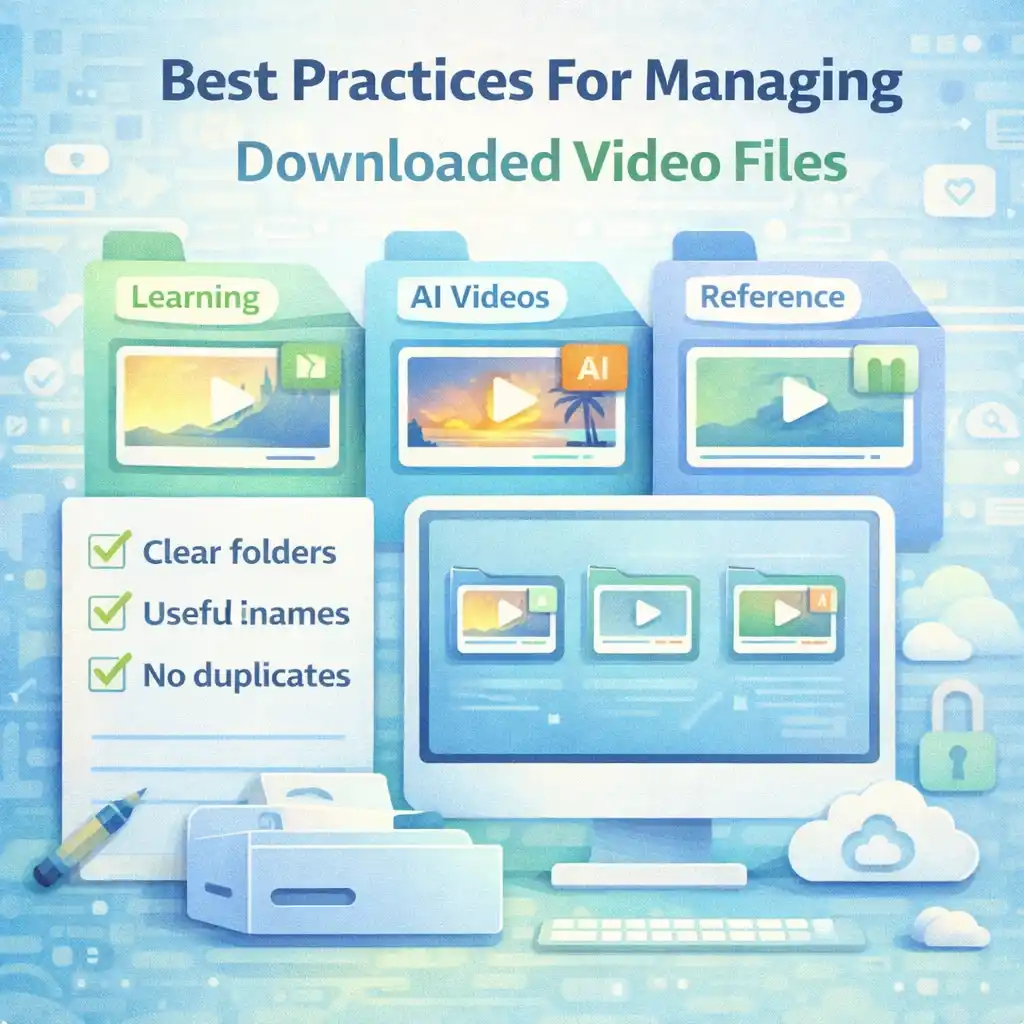
Start With a Clear Folder Structure
The first and most important step is creating a clear folder structure.
Instead of saving all videos in one place, create folders such as:
-
Learning Videos
-
AI Videos
-
Tutorials
-
Personal Reference
Inside these folders, you can add subfolders based on topics or dates.
A clear structure keeps everything in order from the beginning.
Use Meaningful File Names
Default file names are often confusing. Good practice is to rename files after downloading.
A good file name should:
-
Describe the video topic
-
Be short but clear
-
Avoid random numbers
For example, instead of:
-
video_12345.mp4
Use something like:
-
AI_Video_Learning_Example.mp4
Clear names save time later.
Keep AI Videos Separate From Other Videos
AI-generated videos are different from regular videos. Mixing them together can cause confusion.
It is a good idea to:
-
Create a separate folder for AI videos
-
Label them clearly
This helps you remember:
-
What type of content it is
-
How it should be used
-
Why you saved it
Clear separation improves understanding.
Avoid Saving Duplicate Files
Duplicate videos waste storage and create confusion.
Best practice includes:
-
Checking if the video is already saved
-
Deleting extra copies
-
Keeping only one clean version
Less clutter means better organization.
Check File Size Before Keeping Everything
Video files can be large. Saving too many without checking size can:
-
Fill your storage
-
Slow down your device
It is smart to:
-
Review large files
-
Remove videos you no longer need
-
Keep only useful content
This keeps your system healthy.
Use Folders Based on Purpose
Think about why you saved the video.
You can organize videos by purpose, such as:
-
Study
-
Inspiration
-
Reference
-
Examples
Purpose-based folders make it easier to find the right video when you need it.
Keep Notes Along With Important Videos
Sometimes a video is saved for a specific reason.
A good habit is to:
-
Keep a small text note
-
Write why the video is important
-
Mention what you learned from it
This is very useful for students and learners.
Avoid Mixing Personal and Work Files
Mixing personal videos with learning or research videos can cause problems.
Best practice is to:
-
Keep personal videos in one folder
-
Keep learning or research videos in another
This separation helps maintain focus and clarity.
Use Consistent Naming Rules
Consistency is more important than perfection.
For example:
-
Always start file names with topic
-
Or always include the date
When naming rules are consistent:
-
Files look organized
-
Searching becomes easier
Choose a style and stick to it.
Backup Important Video Files
If some videos are important for learning or long-term reference, consider backing them up.
Simple backup ideas:
-
Copy to an external drive
-
Save on a trusted storage device
Backups protect your effort and time.
Remove Videos You No Longer Need
Not every video needs to be kept forever.
Good management includes:
-
Reviewing old files
-
Deleting unused videos
-
Keeping only valuable content
This keeps your collection meaningful.
Keep File Formats Simple
Some devices support limited video formats.
It is better to:
-
Keep videos in common formats
-
Avoid unnecessary conversions
Simple formats ensure videos play easily on most devices.
Organize Videos Regularly, Not Once
Many users organize files once and forget.
Best practice is to:
-
Organize files regularly
-
Spend a few minutes weekly or monthly
Small effort regularly prevents big mess later.
Be Careful With Shared Folders
If you use shared folders:
-
Do not mix private videos
-
Keep learning content clearly labeled
This avoids confusion and accidental sharing.
Respect Content Context While Managing Files
Even while managing files privately:
-
Remember the original source
-
Understand what the video represents
Good management includes mental respect, not just folders.
Do Not Rename Files in a Misleading Way
Renaming files should not change their meaning.
Avoid:
-
Giving false titles
-
Removing context
Honesty matters even in private storage.
Use Simple Search-Friendly Names
When file names include clear words:
-
Searching becomes easy
-
You save time
This is helpful when your video collection grows.
Avoid Over-Downloading
Downloading too many videos without purpose leads to clutter.
Best practice:
-
Download only what you need
-
Focus on quality, not quantity
This keeps your collection useful.
Manage Videos Based on Device Limitations
Different devices have different storage limits.
Be aware of:
-
Phone storage
-
Laptop space
Adjust your saving habits accordingly.
Understand That Tools Do Not Manage Files Automatically
Utility tools like Snapsora help users handle publicly available videos, but:
-
They do not organize your folders
-
They do not decide what to keep
File management is always the user’s responsibility.
Keep Learning Files Easy to Access
Learning videos should be:
-
Easy to find
-
Well-labeled
-
Clearly grouped
This improves study efficiency.
Avoid Emotional Attachment to Every File
Not every saved video is important.
Good managers:
-
Keep what matters
-
Remove what does not
This mindset keeps storage clean.
Teach Yourself Good Digital Habits
Good habits include:
-
Organizing files
-
Naming clearly
-
Deleting unused content
These habits help in all digital areas.
Why Beginners Should Focus on Management Early
Beginners often ignore file management.
Learning it early:
-
Saves time
-
Prevents stress
-
Builds digital maturity
Early habits shape long-term behavior.
Long-Term Benefits of Good Video Management
Proper video management leads to:
-
Faster access
-
Less confusion
-
Better learning
-
Peace of mind
It improves your digital experience overall.
Simple Rule to Remember
A simple rule:
-
If you can’t find a video easily, it is not managed well
Organization equals usability.
Conclusion
Managing downloaded video files properly is just as important as downloading them. Clear folders, meaningful names, regular cleanup, and purpose-based organization help users stay organized and stress-free. Good management saves time, storage, and effort.
Utility tools like Snapsora help users manage publicly available videos, but they do not organize files automatically. That responsibility always belongs to the user. By following these best practices, users can enjoy their video collections in a clean, clear, and responsible way.
Responsibility & Disclaimer
This article is for educational purposes only. Snapsora is a utility tool designed to help users manage publicly available AI video content responsibly. It does not generate, host, own, or control any video content. Users are responsible for respecting content ownership, platform policies, and applicable rules when handling video files.