Things To Check Before Saving AI Videos For Personal Use
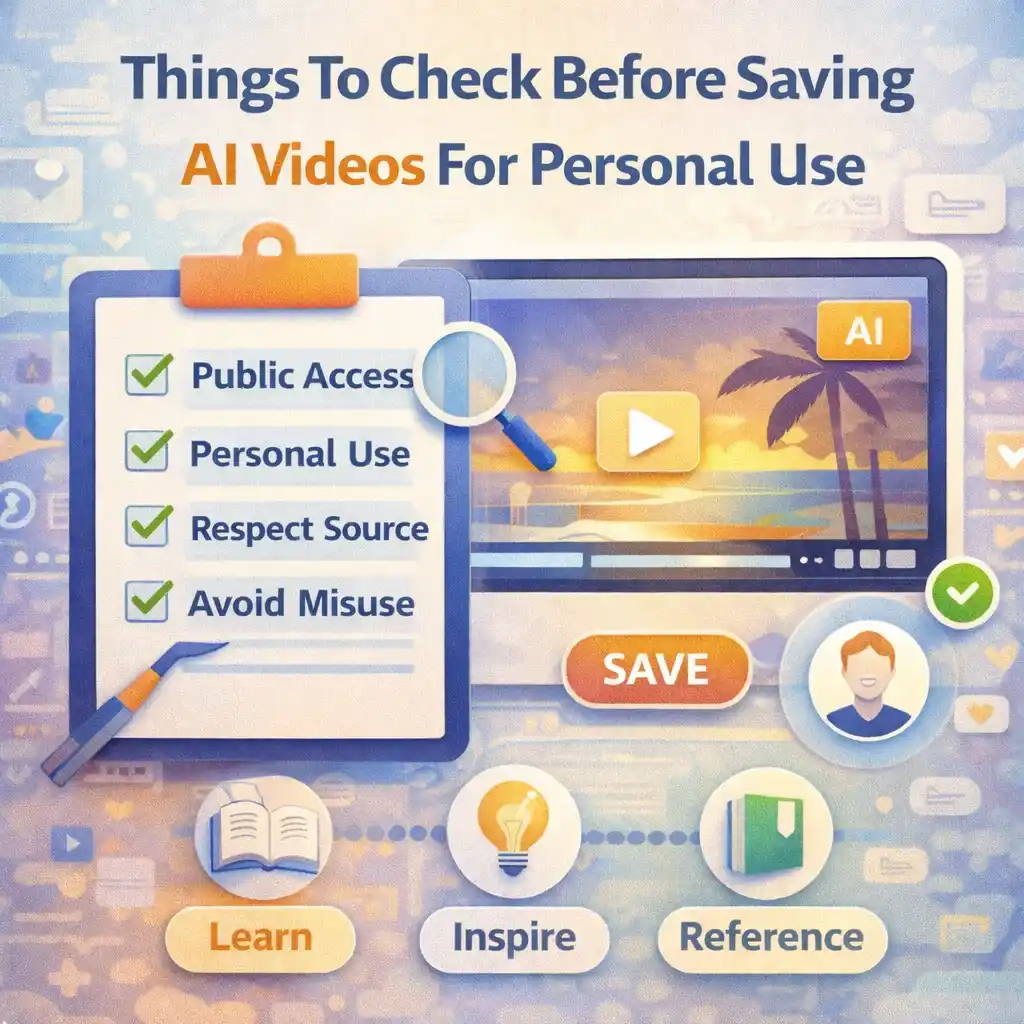
AI-generated videos are now easy to find on many online platforms. People watch them for learning, inspiration, creativity, and general knowledge. Sometimes, users also want to save AI videos for personal use, such as offline viewing, study, or reference. While this is common, it should always be done carefully and responsibly.
Many beginners save videos without thinking about rules, limits, or ethical concerns. This can lead to confusion or mistakes later. That is why it is important to understand what to check before saving AI videos for personal use.
This article explains everything in simple and easy words, without technical language. The focus is on awareness, responsibility, and safe behavior.
We will also mention Snapsora only as a utility tool that helps users manage publicly available AI videos. It is not a video creator, owner, or editor.
Understand What “Personal Use” Really Means
Before saving any AI video, the first thing to understand is personal use.
Personal use usually means:
-
Watching offline
-
Learning or studying
-
Reference or inspiration
-
Private viewing
Personal use does not mean:
-
Claiming ownership
-
Re-uploading as your own
-
Using it for business or promotion
Understanding this difference is the first and most important step.
Check If the Video Is Publicly Available
Always check whether the AI video is publicly available.
A publicly available video:
-
Can be viewed by anyone with the link
-
Does not require private access
-
Is openly shared by the platform
If a video is not publicly accessible, saving it is not appropriate. Responsible users only work with content that is openly available.
Look for Labels or Watermarks
Many AI-generated videos include:
-
Watermarks
-
Platform labels
-
AI-generated notices
These markers exist to:
-
Show the source
-
Identify AI content
-
Protect creators
Before saving a video, notice these labels and understand their purpose. Respecting them is part of responsible behavior.
Understand the Source of the Video
Always ask:
-
Where did this video come from?
-
Which platform shared it?
-
Is the source clear?
Clear sources help you:
-
Understand ownership
-
Avoid confusion
-
Use content responsibly
Videos with unclear sources should be treated with extra caution.
Do Not Assume “AI Content Has No Rules”
A common beginner mistake is thinking:
“This is AI-made, so there are no rules.”
This is not true.
Even AI-generated videos:
-
Belong to platforms or creators
-
Follow usage rules
-
Carry responsibilities
AI does not remove ownership or rights.
Check Platform Guidelines (At Least Basics)
You do not need to read long documents, but it helps to know:
-
Whether saving content is allowed for personal use
-
Whether redistribution is restricted
Most platforms clearly allow viewing and learning but limit misuse. Understanding this helps you stay safe.
Decide Why You Want to Save the Video
Before saving, ask yourself:
-
Why do I need this video?
-
Is it for learning or reference?
-
Am I staying within personal limits?
Clear purpose leads to responsible action. Saving without reason often leads to misuse later.
Avoid Saving Videos for Misleading Purposes
Never save AI videos with the intention to:
-
Mislead others
-
Present them as real events
-
Remove context
AI videos can look realistic, so extra care is needed to avoid confusion.
Respect That Saving Does Not Mean Owning
Having a video file does not mean:
-
You own it
-
You control its use
-
You can claim it
Saving is about access, not ownership. Ownership always stays with the original source.
Check File Size and Storage Impact
AI videos can be large. Before saving:
-
Check available storage
-
Avoid unnecessary duplicates
-
Keep your device organized
Responsible file management helps prevent clutter and confusion.
Organize Saved Videos Properly
If you save AI videos for learning, it helps to:
-
Use clear file names
-
Create folders by topic
-
Keep notes if needed
Good organization makes personal use more effective and responsible.
Avoid Commercial Intent Without Permission
Saving AI videos for:
-
Business use
-
Promotion
-
Monetization
is risky without clear permission.
If your intention is beyond personal learning, you should stop and rethink. Personal use is the safest boundary.
Understand That Tools Do Not Change Rights
Utility tools like Snapsora help users:
-
Manage publicly available videos
-
Handle files easily
They do not:
-
Transfer ownership
-
Remove restrictions
-
Grant special rights
The responsibility stays with the user.
Do Not Remove Context or Meaning
When saving videos:
-
Keep original context in mind
-
Do not separate visuals from meaning
Context helps prevent misunderstanding and misuse, especially with AI-generated content.
Be Honest With Yourself and Others
Responsible users stay honest:
-
About where content came from
-
About what type of content it is
-
About why they saved it
Honesty builds trust and avoids problems.
Consider Ethical Impact
Ask yourself:
-
Could this harm creators?
-
Could this confuse viewers?
-
Am I respecting effort and ownership?
If the answer feels uncomfortable, it is better not to save the video.
Learn From the Video, Don’t Exploit It
The best use of AI videos is:
-
Learning
-
Inspiration
-
Understanding ideas
Using content for growth is always better than using it for shortcuts.
Avoid Mass Saving Without Purpose
Saving too many videos without purpose can:
-
Create confusion
-
Increase misuse risk
-
Reduce respect for content
Responsible users save selectively and thoughtfully.
Remember That Public Does Not Mean Free-for-All
Public access simply means visibility. It does not remove:
-
Rules
-
Ethics
-
Responsibility
This mindset keeps users safe.
Teach Yourself Good Digital Habits
Good habits include:
-
Thinking before saving
-
Respecting sources
-
Understanding limits
These habits help in all areas of digital life, not just videos.
Beginners Should Be Extra Careful
Beginners often make mistakes because:
-
They are still learning
-
They assume too much
-
They follow convenience
Learning these checks early prevents future issues.
Why These Checks Matter Long-Term
Following these checks helps:
-
Avoid platform problems
-
Build digital maturity
-
Maintain ethical behavior
Responsible users enjoy long-term benefits.
Simple Checklist to Remember
Before saving an AI video, ask:
-
Is it publicly available?
-
Is my use personal?
-
Am I respecting the source?
-
Could this mislead anyone?
If the answers feel right, you are likely on the safe path.
Conclusion
Saving AI videos for personal use can be helpful for learning, reference, and inspiration. However, it should always be done with awareness and responsibility. Checking availability, respecting ownership, understanding purpose, and avoiding misuse are essential steps.
Utility tools like Snapsora help users manage publicly available AI videos, but they do not change content rights or responsibilities. Responsible use always depends on the user. By following simple checks and ethical thinking, users can safely and confidently save AI videos for personal use without causing harm or confusion.
Responsibility & Disclaimer
This article is for educational purposes only. Snapsora is a utility tool designed to help users manage publicly available AI video content responsibly. It does not generate, host, own, or control any video content. Users are responsible for respecting content ownership, platform policies, and applicable rules when working with online videos.